
多组件过渡
那么在之前就讲过这个组件以及利用组件做过一些案例,其中就有这样的一个案例,(篇目地址:),在这个案例当中我们也通过多种方式实现组件的动态切换,其中就有动态组件当中的这个案例:
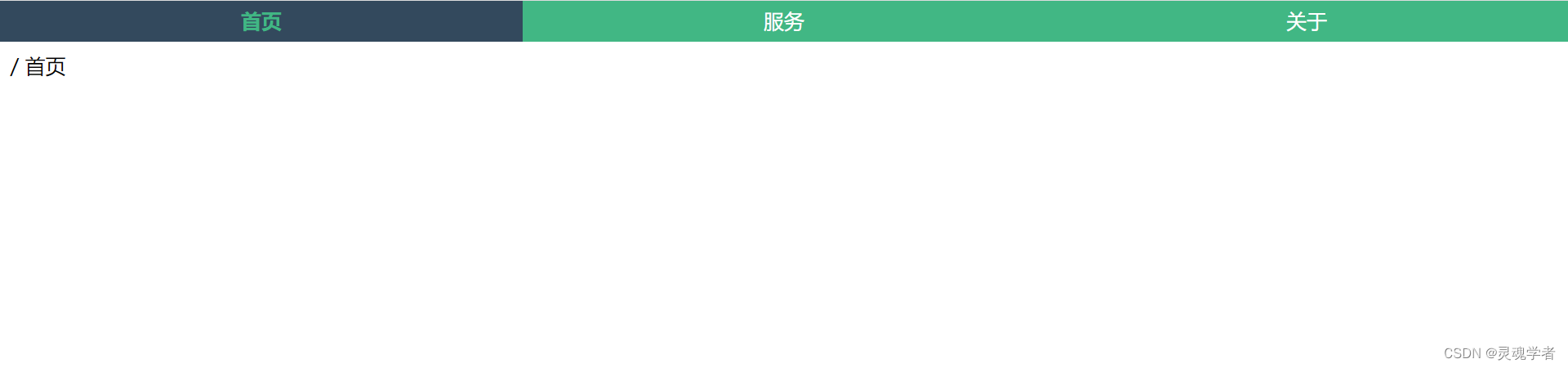
下面先进行对先前的案例进行一个讲解,附上代码:
html
<div id="app">
    <header>
        <ul>
            <li v-for="item in nav" :key="item.id" @click="handChange(item)" :class="isChoose == item.id?'active':''">{{item.title}}</li>
        </ul>
    </header>

    <keep-alive>
        <component :is="isChoose"></component>
    </keep-alive>
... 在讲transition的时候讲过将需要进行动画效果的内容进行 <transition> 包裹起来,而 <keep-alive> 是缓存组件,应该将谁包裹起来呢?谁变化就包谁,<keep-alive> 组件并不发生变化,而是通过 <component> 进行不同组件的动态切换,所以应该这样来写:
html
<keep-alive>
    <transition>
        <component :is="isChoose"></component>
    <transition>
</keep-alive>css class
css
.content-enter-active{
    animation: move 1.5s;
}
.content-leave-active{
    animation: move 1.5s reverse;
}
@keyframes move{
    0%{
        opacity: 1;
        transform: translateX(100px);
    }
    100%{
        opacity: 0;
        transform: translateX(0px);
    }
}页面:
html
<keep-alive>
    <transition name="content">
        <component :is="isChoose"></component>
    </transition>
</keep-alive> 这样就能够实现组件的过渡动画效果!